Run Panthera on your own environment

30 days free trial
No credit card required
Start free trial





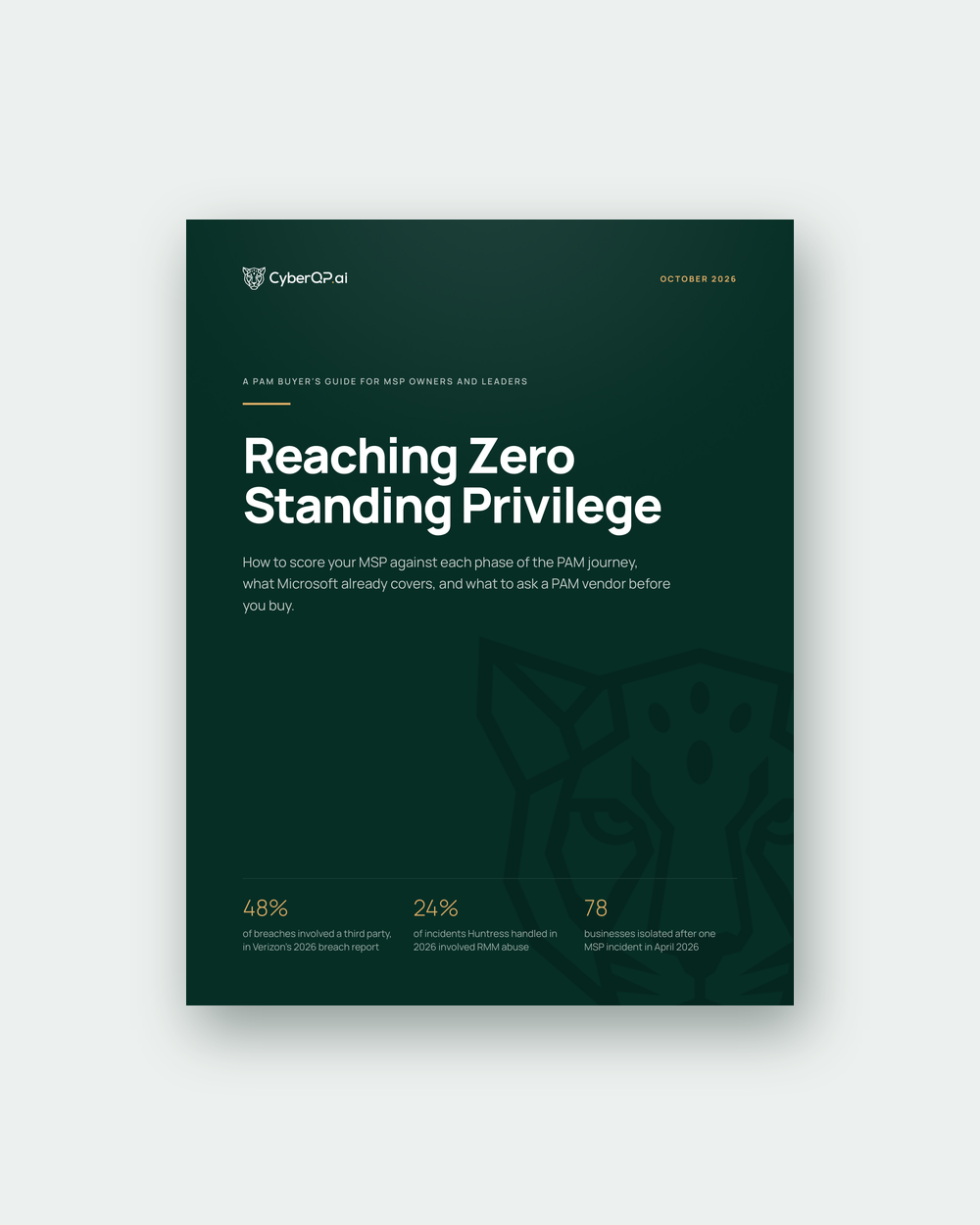
An MSP's admin accounts are the most valuable thing an attacker can take from it, because each one opens a door at every client it touches. Zero standing privilege removes that prize: no account holds admin rights while nobody is using them, so there's nothing sitting live to steal.
This guide is for the people who own the decision at an MSP: owners, CEOs, and the service delivery and security leads who will live with the result. It explains what zero standing privilege means in practice and walks through the eight phases of the PAM journey. It also gives you a scorecard and a set of vendor questions you can use whatever platform you end up running.
What the guide covers
CyberQP sells a PAM platform, so we have an interest in this topic. The method holds whatever tools you use, and the vendor questions apply to us as much as to anyone else.

